Divi vs Webflow: A Deep-Dive Comparison by Expert (2026)
Divi is a WordPress theme and visual builder, while Webflow is a hosted platform that bundles a visual builder, CMS and hosting. Divi costs $89 a year or $249 once for unlimited sites, but you pay for WordPress hosting separately. Webflow site plans start at $15 a month billed yearly, with hosting included. I’d pick Webflow for marketing teams and Divi for WordPress shops.
Divi started as a WordPress theme and grew into a full visual website builder for WordPress. Webflow is a hosted platform that puts a visual builder, a CMS and hosting into one subscription.
Both changed a lot in 2026: Divi 5 is out of beta, and Webflow rebuilt its site plans in May. I compared them again with this year’s features and prices, and I give my pick at the end.
What Is Webflow?
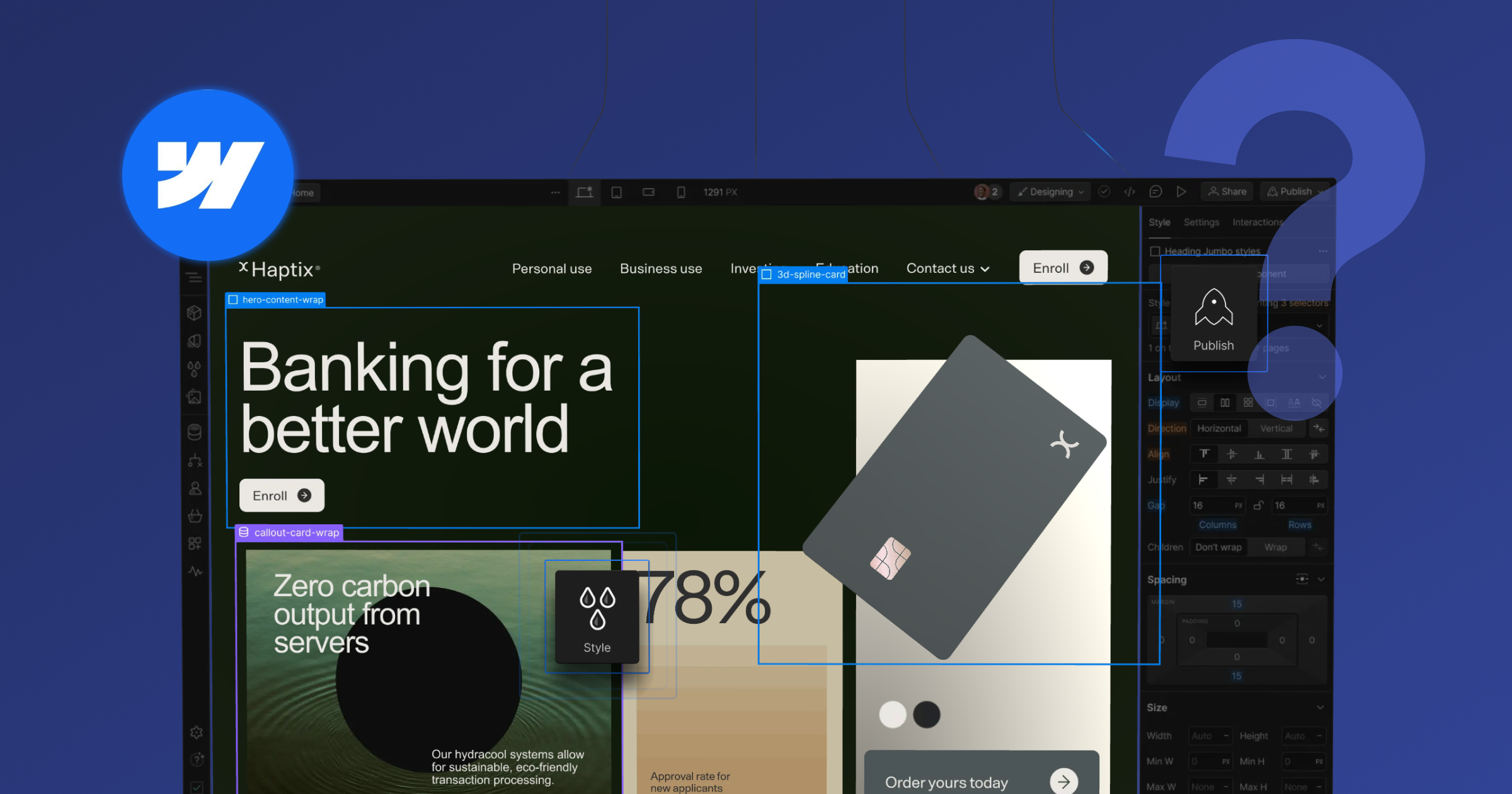
Webflow is a visual development platform for building, hosting and running websites without writing code. You design in the Designer, manage content in a built-in CMS and publish to Webflow’s own hosting.
You can also export a site’s code to host it elsewhere, but code export needs a paid Workspace plan.
What Is Divi?

Divi is a WordPress theme and visual page builder made by Elegant Themes, which says nearly 1 million customers use its products. You install it on a WordPress site and design pages with its drag-and-drop builder.
Elegant Themes’ October 2026 release notes say Divi 5’s beta phases have ended and call it ready for production, so Divi 5 is the version to judge today.
According to Elegant Themes’ comparison of Divi 5 and Divi 4, the new version changes what sits under the builder:
- It stores layouts in a block-based format instead of WordPress shortcodes.
- It adds native CSS Flexbox and CSS Grid, and seven breakpoints instead of three.
- It adds global variables, presets and no-code interactions.
- Divi 4 sites can migrate with one click, and the upgrade is free for Divi members.
Divi vs Webflow at a Glance
Here’s how the two compare on the points that usually decide the choice. Prices are list prices billed yearly, as of November 2026.
Sources: the Elegant Themes and Webflow pages linked in each section below.
Divi vs Webflow Ease of Use
Divi is easier to start with if you already know WordPress, while Webflow asks you to learn how web layout works. Professionals use both, and beginners can learn either.
Elegant Themes pitches Divi to website owners and WordPress pros who want a no-code builder, and Divi Pro to web professionals who build sites for clients. Webflow University has learning paths for designers and visual developers, plus shorter ones for marketers and content editors that start with a basic orientation.
Divi Ease of Use
Divi’s drag-and-drop builder runs inside WordPress, so a WordPress user can start building right away. You add, move and delete elements visually, with no code.
Premade layout packs come with an Elegant Themes membership, so you can import a full design and edit it. Divi 5 also adds a Layers Panel, a Command Center and right-click menus to the builder.
The Divi Role Editor helps when you hand a site to a client. It limits what each WordPress role can do in the builder, such as turning off Divi AI or the Advanced tab.
Webflow Ease of Use
Webflow has a steeper learning curve than Divi. Its Designer lets you design with HTML and CSS without writing code, so a basic grasp of how they work pays off.
Once you’re past that, you control layout and responsive behavior directly on the canvas. On a marketing site, that control is what I’d accept the learning curve for.
Divi vs Webflow CMS Capabilities
Divi uses the WordPress CMS, while Webflow has its own CMS built into the platform.
Divi CMS
Divi works on top of the WordPress CMS, so your content lives in WordPress posts and pages. You open any page or post in the Divi Builder and design it visually, with no code.
Divi’s Theme Builder adds site-wide header, footer and body templates, and Divi 5 lets you edit them straight from the front end. Plugins add custom fields, ecommerce and other content types on top.
On multi-author sites, the Role Editor sets builder limits separately for each WordPress role, such as Editor, Author or Contributor. That keeps writers editing content without changing the layout.
That flexibility has a cost, because every plugin is one more thing to update and keep compatible with WordPress and Divi. If one breaks, it can take down more than its own feature.
Webflow CMS
Webflow’s CMS stores content in Collections, each holding one type of content, such as blog posts or team members. Fields define each item’s structure, and every item gets a Collection page built from one shared design template.
Collection lists pull the same content onto any page, filtered and sorted as you need. The Premium Site plan includes 20,000 CMS items.
Which Is Better for SEO? Webflow or Divi
Webflow has the edge, because its SEO controls are built in while Divi gets most of its SEO features from WordPress plugins. Both can rank well when someone looks after the setup.

Divi SEO
On a Divi site, SEO usually runs through a plugin such as Yoast SEO, which has over 10 million active installations. Its free version adds XML sitemaps and schema, and its Premium version adds a redirect manager.
That setup works, but it adds a dependency. Someone has to keep the SEO plugin, WordPress and Divi updated and compatible with each other.
Webflow SEO
Webflow handles the core SEO controls natively, with no plugin required. Its SEO feature page lists:
- Meta titles and descriptions, which can fill in from CMS fields
- 301 redirects you can publish without engineering help
- Alt text, set by hand or generated with Webflow AI
- Schema markup and robots.txt rules
- An AI-powered audit panel that flags technical and on-page gaps
Webflow also generates a sitemap.xml and updates it every time you publish. Free SSL comes with Webflow hosting.
Divi vs Webflow Apps and Integrations
Divi extends through WordPress plugins and its own marketplace, while Webflow uses Apps, integrations and custom code.
Divi Apps, Plugins, and Integrations
Because Divi runs on WordPress, you can add WordPress plugins for anything from forms to WooCommerce stores. Divi 5 includes WooCommerce modules for building store pages in the builder.
The Divi Marketplace sells child themes, extensions and layouts made for Divi. Check your extensions before you upgrade, because third-party modules that aren’t Divi 5-native yet run in a backward-compatibility mode and miss Divi 5’s performance gains.
Webflow Apps, Plugins, and Integrations
Webflow extends through Webflow Apps, which add third-party features to forms, CMS Collections and Ecommerce. You install them from the Webflow Marketplace or the Apps panel in the Designer.
Webflow Ecommerce takes payments through Stripe and PayPal. Tools built only for Webflow fill other gaps, such as Vidzflow for video hosting.
Divi vs Webflow Templates
Both platforms give you a head start with ready-made designs, and you edit either kind in the builder after import.
Divi Templates
Divi’s premade layout packs are included with an Elegant Themes membership and load straight from the Divi Builder. Divi 5 adds Components, which Elegant Themes calls a completely new way to build reusable designs.
Third-party creators sell more layouts on the Divi Marketplace.
Webflow Templates
Webflow’s template marketplace lists more than 7,000 free and premium templates. Paid templates often come with extra pages, CMS Collections or ecommerce features, depending on the template.
A paid template costs a one-time fee that’s separate from your Site plan. Higher CMS limits and Ecommerce still need a paid Site plan.
We keep a shortlist in our roundup of the best Webflow templates.
Webflow vs Divi Pricing
Divi costs far less on paper, but Webflow’s price includes hosting, while Divi needs a WordPress host on top. Webflow also charges per site, while one Divi license covers unlimited websites.
Divi Pricing
Elegant Themes sells four Divi plans, and all of them cover unlimited websites:
- Divi: $89 a year for Divi, Divi Dash and 24/7 support.
- Divi Pro: $277 a year, adding Divi AI, Divi Cloud, Divi VIP and Divi Teams for up to 4 members.
- Divi Lifetime: $249 once for Divi and Divi Dash for life.
- Divi Lifetime + Pro: $297 once, plus $212 a year for the Pro services.
Divi AI, Cloud, VIP and Teams aren’t sold as lifetime purchases, so the Pro services always renew yearly. Every plan comes with a 30-day refund.
Webflow Pricing
Webflow bills each site through a Site plan and your team through a Workspace plan. Its pricing page lists these Site plans, billed yearly:
- Starter: free, with 2 static pages and 1 GB of bandwidth.
- Basic: $15 a month, with 300 static pages and 10 GB of bandwidth.
- Premium: $25 a month, with 20,000 CMS items.
Premium replaced the CMS and Business plans in May 2026. Workspace plans start free, and Core costs $19 a month, Growth $49, Freelancer $16 and Agency $35, all billed yearly.
Our Webflow pricing guide covers seats, add-ons and limits in more detail.
Sources: the Elegant Themes and Webflow pricing pages linked above, November 2026.
For one marketing site, Webflow Basic costs $180 a year with hosting included. Divi’s $89 a year still needs a WordPress host, so add your hosting bill before you compare.
Hosting for Divi and Webflow
Divi needs WordPress hosting that you buy separately, while Webflow hosts every site built on it.
Divi Hosting Options
Divi doesn’t sell hosting, so you run it on any host that supports WordPress. You pick the host for price, speed and support, and you or your host keep WordPress updated.
Every Divi plan includes Divi Dash, a dashboard that lists plugin, theme and WordPress core updates across all your sites. It also logs you into each site with one click and works with any WordPress site.
Webflow Hosting
Webflow includes hosting in every Site plan, so there’s no server for you to maintain. Its pricing page lists a global CDN that routes each visitor to the nearest server, free SSL, and unlimited automatic backups for one-click restore.
Plans cap bandwidth rather than visits, starting at 10 GB a month on Basic. You publish changes straight from the Designer.
Webflow and Divi AI Capabilities
Both platforms build AI into the builder, and both meter their heaviest AI features.
Webflow AI
Webflow AI covers these features:
- An AI site builder
- Copy generation and CMS item generation
- AI-generated code components
- SEO and AEO suggestions
- Design sections and Get help, both still labeled beta
The AI site builder creates sites of up to five pages, with structure, styles and animations you keep editing in Webflow. Since May 2026, AI credits come with every Workspace plan, and you can buy more as add-ons.
Webflow Optimize and Webflow Localization are separate paid add-ons, which Webflow describes as machine learning tools.
Divi AI
Divi AI generates text, images, code and full layouts inside the Divi Builder. It comes with Divi Pro or as a separate monthly or yearly subscription, and non-subscribers get a 100-use free trial.
Generation in the builder is unlimited under a fair use policy, but the Divi AI Agent is metered. Each subscription includes a $5 monthly Agent balance, and you add funds once it runs out.
Neither tool replaces a designer on a large project. Both cut the time it takes to get a first draft on the page.
Support, Community, and Resources
Divi includes 24/7 support on every plan, while Webflow handles most support through its Support Portal and keeps phone and video support for Enterprise customers. Both back that up with learning resources and a community.
Divi Support, Community, and Resources
Elegant Themes offers 24/7 customer support on every plan, and Divi Pro adds Divi VIP, which answers questions around the clock in under 30 minutes, plus covers Divi 5 setup, migration and features.
Third-party creators on the Divi Marketplace add child themes, extensions and layouts on top.
Webflow Support, Community, and Resources
Webflow handles support through its Support Portal, with replies by email, an AI Support Assistant and live agents for some questions. Phone and video support are for Enterprise customers only.
Webflow retired its old forum in spring 2026, and the community now meets at community.webflow.com. Webflow University adds free courses, tutorials and learning paths.
Divi or Webflow: Which One I’d Pick
I’d pick Webflow for a marketing site that a team updates every week. You get hosting, backups, SEO controls and a CMS in one place, and nobody has to manage WordPress updates.
I’d pick Divi if you already run WordPress or build many small sites for clients on a tight budget. One $249 lifetime license covers unlimited sites, and Divi Dash keeps their updates in one dashboard.
At Flow Ninja, we’re a WebOps team that builds on Webflow and Sanity. If you’re weighing a move, our Webflow agency team can help you plan it.
FAQ for Divi vs Webflow
What changed in Divi 5?
Divi 5 is now the production-ready version of Divi, and Elegant Themes’ October 2026 release notes say its beta phases have ended. It stores layouts in a block-based format instead of shortcodes and adds CSS Flexbox, CSS Grid, global variables, presets and Components. Divi 5 has seven breakpoints instead of three, Divi 4 sites migrate with one click, and the upgrade is free for members.
Does Divi AI cost extra?
Yes, unless you’re on Divi Pro, because Divi AI is sold either inside Divi Pro or as its own monthly or yearly subscription. Divi Pro costs $277 a year, and non-subscribers get a 100-use free trial. Text, image, code and layout generation is unlimited under a fair use policy, while the AI Agent uses a $5 monthly balance.
How much does Divi cost?
Divi costs $89 a year, or $249 once for lifetime access, and both cover unlimited websites. Divi Pro costs $277 a year and adds Divi AI, Divi Cloud, Divi VIP and Divi Teams. Divi Lifetime + Pro costs $297 once plus $212 a year for the Pro services, and hosting is extra on every plan.
Is Divi good for SEO?
Yes, Divi sites can rank well, but most of their SEO features come from a WordPress plugin rather than from Divi. A plugin such as Yoast SEO, with over 10 million active installations, adds XML sitemaps and schema, and its Premium version adds redirects. Webflow builds those controls in, so it needs no SEO plugin.
Is there anything better than Divi?
Webflow is the strongest alternative if you want to leave WordPress behind, because it bundles hosting, a CMS, SEO controls and backups. Divi still wins on price for anyone building many sites, since one $249 lifetime license covers unlimited websites. Webflow charges per site, from $15 a month billed yearly.
What's better, Webflow or Divi?
Webflow is better for marketing teams that want one managed platform, and Divi is better for WordPress users building many sites on a budget. Webflow includes hosting, automatic backups and built-in SEO controls. Divi runs on WordPress, so you choose your own host and manage plugin updates, with Divi Dash to help.
What are the disadvantages of Divi?
Divi’s main disadvantage is that you run WordPress yourself, including the host, updates and plugin compatibility. Third-party modules that aren’t Divi 5-native yet run in a backward-compatibility mode without Divi 5’s performance gains. Divi AI, Cloud, VIP and Teams aren’t sold as lifetime purchases, so they always renew yearly.

Founder and CEO of Flow Ninja. Building in Webflow since 2015, he writes on platform choice, CMS migration, and website intelligence, and runs a YouTube channel on the same.



See your website the way a senior strategist does
Foresight scans your site across 10 strategy dimensions. You get a scored breakdown of every gap costing you leads.
Continue reading






Ready to escape your CMS nightmare?
100+ successful migrations. 0 ranking disasters at launch. One embedded team that's done this before.